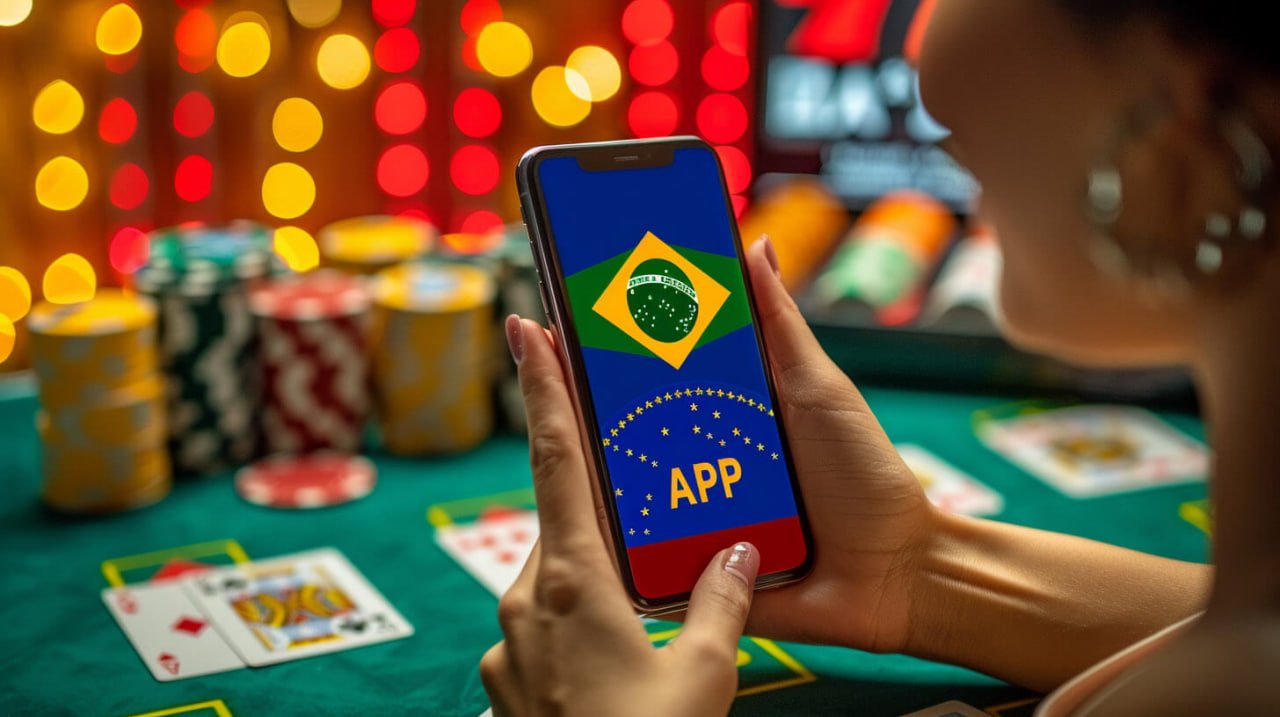
Android & iOS Ready

The Nudtar App — Full Mobile Gaming Built for the Philippines

Everything on Nudtar — slots, live casino, sports betting, fish games, eBingo — now fits in your pocket. The Nudtar app is designed for Filipino players who want smooth, fast, and secure gameplay wherever they are.


nudtar

Android

Download the Nudtar APK directly and install it on your Android smartphone or tablet. Compatible with Android 8.0 and above.

iOS (iPhone & iPad)

The Nudtar app runs smoothly on iPhone and iPad. Access via your mobile browser or follow the installation guide for your iOS device.

Desktop Browser

Prefer a bigger screen? Nudtar is fully accessible through your desktop or laptop browser — no installation required.

What Makes the Nudtar App Different

A lot of online gaming platforms offer a mobile site — but the experience often feels like a desktop page crammed into a small screen. Nudtar took a different approach. The app interface is built from the ground up for touchscreen navigation, prioritising fast load times, intuitive layout, and responsive controls that work whether you are on a budget Android phone in Quezon City or a flagship iPhone in BGC.

The result is an app that feels natural to use. Game categories are easy to find, bet placement is direct, live casino streams load without long buffering, and your account balance and transaction history are always one tap away. Filipino players who have switched from browser-only access consistently find the app experience noticeably quicker and more convenient.

Fast Load Times

The app is optimised for Philippine mobile network conditions. Games load quickly even on standard LTE connections, so you spend less time waiting and more time playing.

Touch-First Interface

Every element — from game cards to deposit buttons — is sized and spaced for comfortable one-handed or two-handed touchscreen use on any modern smartphone.

Instant Notifications

Get real-time alerts for sports bet results, account activity, and platform updates directly on your device — so you never miss a settled bet or an important account change.

Dark Mode Native

The Nudtar app's deep blue-teal palette is easy on the eyes during late-night sessions — no screen glare, no eye strain, just clean, readable design in any lighting condition.

Stable on Mobile Data

Nudtar is tested across Philippine mobile carriers to ensure consistent performance on both WiFi and mobile data, whether you are in Manila or a provincial area.

Secure on Every Session

SSL encryption, OTP login verification, and session timeout protections are all active on the app — the same security layer as the desktop platform.

nudtar

Deposits & Withdrawals on Mobile

Your full financial account is accessible on the app. Deposit in Philippine Peso using local banking or e-wallet channels, and request withdrawals directly from your Nudtar wallet — all from your phone. For detailed payment options, visit the Deposit page.

nudtar

Every Game. Right on Your Phone.

The full Nudtar game library is available on the app — no compromises, no missing categories.

Slots & Video Slots

Browse hundreds of slot titles directly in the app. Filter by provider, theme, or feature type. Bonus rounds and free spin mechanics are fully supported on mobile — the visual experience is the same as desktop.

Live Casino

Stream live baccarat, roulette, blackjack, and Sic Bo from professional studios in real time. The app handles HD video streaming efficiently, maintaining smooth playback on standard Philippine mobile connections.

Sports Betting

Follow PBA, NBA, football, boxing, and esports on the go. Place pre-match bets or switch to live in-play wagering mid-game. Real-time odds are updated instantly in the app. See all available markets at Sports.

Fish Shooting Games

Fish games are particularly well-suited to mobile play — touch controls make targeting intuitive and responsive. The full fish game collection is available. Explore it at Fish Games.

eBingo & Poker

eBingo rooms and poker tables run 24/7 on mobile. Join a bingo round between commutes or sit in on a poker session from anywhere across the Philippines — Cebu, Davao, or Metro Manila.

How to Get the Nudtar App

Getting the app on your phone is straightforward. Here is the step-by-step process.

1
Visit the Download Page

Head to the Download page on nudtar.com from your mobile browser. You will find the latest version of the app available for both Android and iOS users, along with device compatibility details.

2
Download and Install

For Android users, download the APK file and allow installation from unknown sources in your device settings if prompted — this is standard for apps downloaded outside the Play Store. For iOS, follow the browser-based installation guide provided on the download page.

3
Log In or Create Your Account

Open the app and log in with your existing Nudtar credentials. New to Nudtar? Register directly within the app — the sign-up process takes just a couple of minutes. You can also register online first and then log in on the app.

4
Complete Your KYC Verification

If you have not done so already, complete the KYC identity verification through the app. This is required for deposits and withdrawals and only needs to be done once. It protects your account and ensures smooth payout processing.

5
Fund Your Account & Start Playing

Make your first deposit in PHP through your preferred Philippine banking or e-wallet channel. Your balance updates instantly and you are ready to explore the full game library — all from your phone.

Android Requirements

Android 8.0 (Oreo) or higher. Minimum 2GB RAM recommended for smooth live casino streaming. The APK file size is lightweight and installs quickly on any modern Android device.

iOS Requirements

Compatible with iPhone and iPad running iOS 13 or later. The Nudtar mobile experience on Safari and other iOS browsers is fully optimised — responsive layout, smooth scrolling, and all game categories accessible.

Connection Recommendation

A stable LTE or WiFi connection provides the best experience, especially for live casino streaming and real-time sports odds. The app is also designed to handle brief network interruptions gracefully without dropping your game session.

Keep the App Updated
Nudtar releases regular app updates that include performance improvements, new game integrations, and security patches. Check the Download page periodically to make sure you are running the latest version.

App vs Mobile Browser

Both options give you access to Nudtar — but the app has a few clear advantages.

Feature Nudtar App Mobile Browser
Load Speed Faster – cached assets Good – depends on cache
Push Notifications Supported Not available
Full Game Library All categories All categories
Home Screen Shortcut App icon Manual bookmark only
One-Tap Login Biometric / saved session Manual entry each time
Deposits & Withdrawals Full access Full access
Live Casino Streaming Optimised for app Supported, may vary

Mobile Security You Can Rely On

Playing on your phone does not mean compromising on security. The Nudtar app applies the same protections as the desktop platform — and adds a few mobile-specific layers on top.

SSL-Encrypted Connections

All communication between the app and Nudtar servers is SSL-encrypted, whether you are connected to home WiFi or mobile data from Globe or Smart.

OTP Login Verification

When logging in from a new device or after a session timeout, an OTP is sent to your registered mobile number to confirm it is really you before granting access.

Biometric Support

On compatible Android and iOS devices, the Nudtar app supports fingerprint and face recognition login — faster than typing a password and just as secure.

Automatic Session Timeout

If your phone is left unattended, the app automatically logs out after a period of inactivity — protecting your account even if someone else picks up your device.

Privacy-First Data Handling

The app does not collect unnecessary device data. Your personal information is handled in accordance with the Nudtar Privacy Policy — transparent and user-controlled.

nudtar
KYC Makes Everything Smoother

Your first withdrawal from the app requires a verified identity. Completing KYC through the app takes just a few minutes and only needs to be done once. Once verified, deposits and withdrawal requests process without additional checks, making your overall experience on Nudtar — whether on mobile or desktop — significantly faster.

Gaming Responsibly on Mobile

The convenience of mobile gaming makes it easier than ever to play — which is why self-awareness matters more on the app than anywhere else. The Nudtar app is intended for adults aged 21 and above. Set a session budget before you open the app, use the time and deposit limit tools in your account settings, and take regular breaks. If gaming stops feeling like entertainment, step back. Our Responsible Gaming page has practical guidance and support resources for Filipino players.

App FAQs

Common questions from Filipino players about the Nudtar mobile app.

Yes, the Nudtar app is completely free to download and install on both Android and iOS devices. There are no fees for downloading, installing, or accessing the app. Standard data charges from your mobile carrier may apply when downloading the app or streaming live casino games, depending on your mobile plan. Visit the Download page for the latest version.

Yes. Your Nudtar account works across all platforms — the mobile app, the mobile browser, and the desktop browser. Your wallet balance, game history, and account settings are synchronised in real time. You can start a session on desktop at home and continue on the app while commuting — everything stays in sync automatically.

The Nudtar app APK for Android is distributed directly from nudtar.com rather than the Google Play Store. Android devices by default block apps from sources outside the Play Store as a general security measure. To install the Nudtar APK, you will need to allow installation from unknown sources in your Android settings — this is a standard and reversible setting. The APK file itself is legitimate and safe. Always download the app exclusively from the official Download page on nudtar.com to ensure you are getting the genuine file.

Yes. The full deposit and withdrawal functionality is available directly in the Nudtar app. You can fund your account using Philippine online banking, bank transfer, and local e-wallet channels — all in PHP (Philippine Peso). GCash and Maya are examples of Philippine e-wallets that may be available as transfer channels. Note that any gaming transaction goes through the Nudtar platform directly, not through any in-app gaming feature of those wallet applications. Credit cards and cryptocurrency are not accepted for gaming deposits. See the Deposit page for the current full list of supported payment options.

Take Nudtar With You Everywhere

Download the app, create your account, and experience the full Nudtar gaming library from your smartphone — anytime, anywhere across the Philippines.

21+ For responsible adults only. Online gaming involves financial risk.